Add Wazamba to Your Home Screen (iOS)
- Open the Wazamba site in Safari.
- Tap the Share icon at the bottom of the screen.
- Select "Add to Home Screen" and confirm the name.
- An app-style icon appears on your home screen for one-tap access.

No app-store download or APK needed - the Wazamba mobile version runs straight in your phone's browser, on iOS and Android alike.
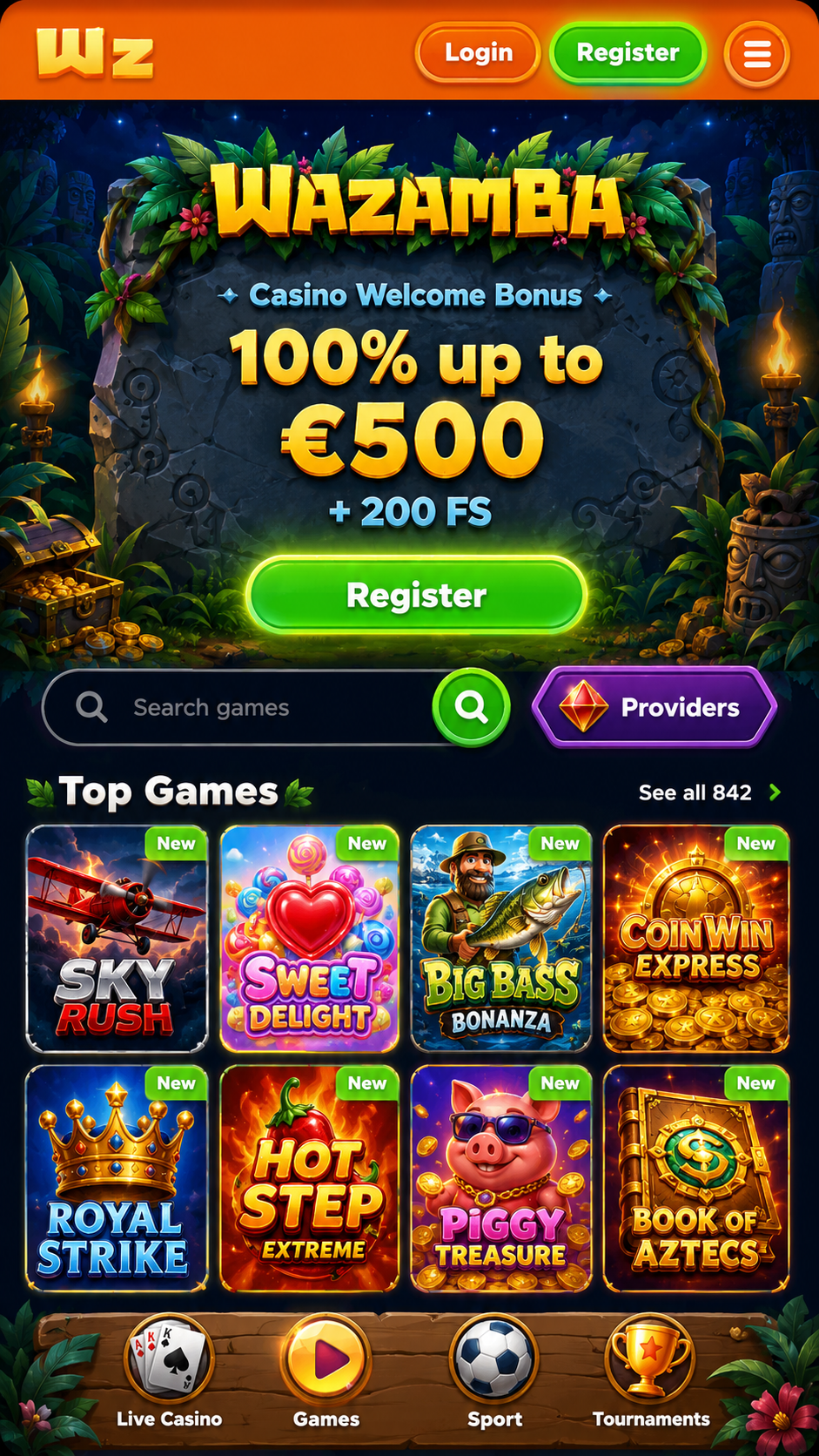
Searching for a "Wazamba app" or a "Wazamba APK" usually leads to the same answer for most online casinos: real-money gambling apps are heavily restricted on the Apple App Store and Google Play, and there's no official APK either, so operators like Wazamba build a mobile-optimised website instead. It looks and feels like an app once it's open, and you can pin it to your home screen so it launches with one tap - this page explains exactly how, what to expect on data usage, how mobile gaming on the Wazamba mobile version compares to playing on a desktop browser, and why to avoid any third-party APK claiming to be Wazamba.
| Platform | How to play Wazamba |
|---|---|
| iPhone / iPad (iOS) | Open in Safari, then add to home screen for one-tap access |
| Android phone / tablet | Open in Chrome, then add to home screen from the browser menu |
| Mobile gaming option | Browser-based mobile version only - no native app or APK |
| Desktop / laptop | Play directly in any modern browser - no install needed |
| Account & balance | Shared across every device - log in with the same details |
This home-screen shortcut still opens the same mobile site in your browser - it just skips typing the address and hides the browser's address bar for a cleaner, more app-like look. It's not an APK and doesn't need Android's "install from unknown sources" permission that real APK side-loading requires.
Log in or register - your account works the same on mobile and desktop.
The mobile site mirrors the desktop experience rather than offering a cut-down version: the full slots and live-casino library, jackpots, table games, the sportsbook, deposits and withdrawals, and your bonus offers are all available from your phone's browser. For everyday mobile gaming, there's no feature you'd be missing by skipping an app that doesn't exist.
Functionally the two are the same account and the same games - the differences are mostly about screen space and input. Some live-dealer tables show fewer camera angles or side-bet options on a small screen, and typing long payment details can be fiddlier on mobile. If you're setting up a new payment method or reading through bonus terms in detail for the first time, desktop can be the more comfortable choice; for everyday play, mobile covers everything just as well.
Because so many casinos do offer real APK files, it's easy to assume Wazamba does too - and third-party sites sometimes advertise one anyway. Wazamba itself doesn't publish an APK, so any file promoted as one is unofficial at best. Installing an unknown APK means granting it permissions outside the App Store or Google Play's review process, which is a real route for malware on Android. The mobile browser site (or a home-screen shortcut of it) gets you the same games, bonuses and account access without that risk.
Wazamba doesn't rely on a native download from the App Store or Google Play - real-money casino apps are restricted or unavailable on both stores in most regions. Instead, Wazamba runs as a mobile-optimised website that opens directly in your phone's browser.
No - Wazamba doesn't publish an APK file for Android side-loading. If you come across a site offering a "Wazamba APK download," it isn't distributing an official file, and installing an unverified APK is a common way malicious software ends up on Android phones. Stick to the official mobile website, or a home-screen shortcut you create yourself.
There's nothing to install - no app-store download and no APK. Open the Wazamba site in your mobile browser, log in as usual, and optionally add it to your home screen (see the steps below) so it opens like an app with one tap.
Yes - it's the same account, the same games library and the same bonuses, just laid out for a smaller screen. Anything you can do on desktop (deposit, play, withdraw, check bonuses) is available on mobile too.
There's only one mobile version: the same responsive website used on desktop, resized for a phone screen. Some independent review sites describe a "Wazamba mobile app" or list APK downloads, but Wazamba itself doesn't publish a native app, so the browser site - optionally pinned to your home screen - is the official option for mobile gaming.
Any recent iPhone or Android phone running an up-to-date browser - Safari on iOS, Chrome on Android - will run the Wazamba site smoothly. No specific app version or OS requirement to track, since there's no app to update.
The same safety practices apply as on desktop: only play through the operator's official site or a home-screen shortcut you created yourself, keep your login details private, and avoid links to Wazamba - or APK files claiming to be Wazamba - sent through unsolicited messages or ads.
No - a stable mobile data connection works fine, though live-dealer games and video-heavy content will use more data than slots, so Wi-Fi is worth using for longer live-casino sessions if your data plan is limited.
Since Wazamba runs as a website rather than a native app, you won't get app-style push notifications unless your browser separately supports web notifications and you opt in. Bonus reminders and account updates typically arrive by email instead.
Slots and the site's static pages are relatively light, but live-dealer tables stream video and use noticeably more data over a session. If you're on a limited mobile plan, favour Wi-Fi for live casino and reserve mobile data for slots or quick sportsbook bets.